

Book Your Tech Consultation
Tech Consultation
The Numeracy’s online classrooms surpass any physical classroom. Part of what makes that happen is the way we use technology to create an immersive experience than enhances learning.
Audio
Natural, pleasant, studio quality audio allows clear communication while creating an enjoyable experience. That requires that each student use a high quality microphone.
The best option is a DJI wireless microphone, specifically the Mic 3 or the Mic Mini. These clip-on microphones are light, comfortable, and wireless. There is no fatigue that can come from headphones. In addition, they move with the student, so there is no risk of the student being too far from the microphone.
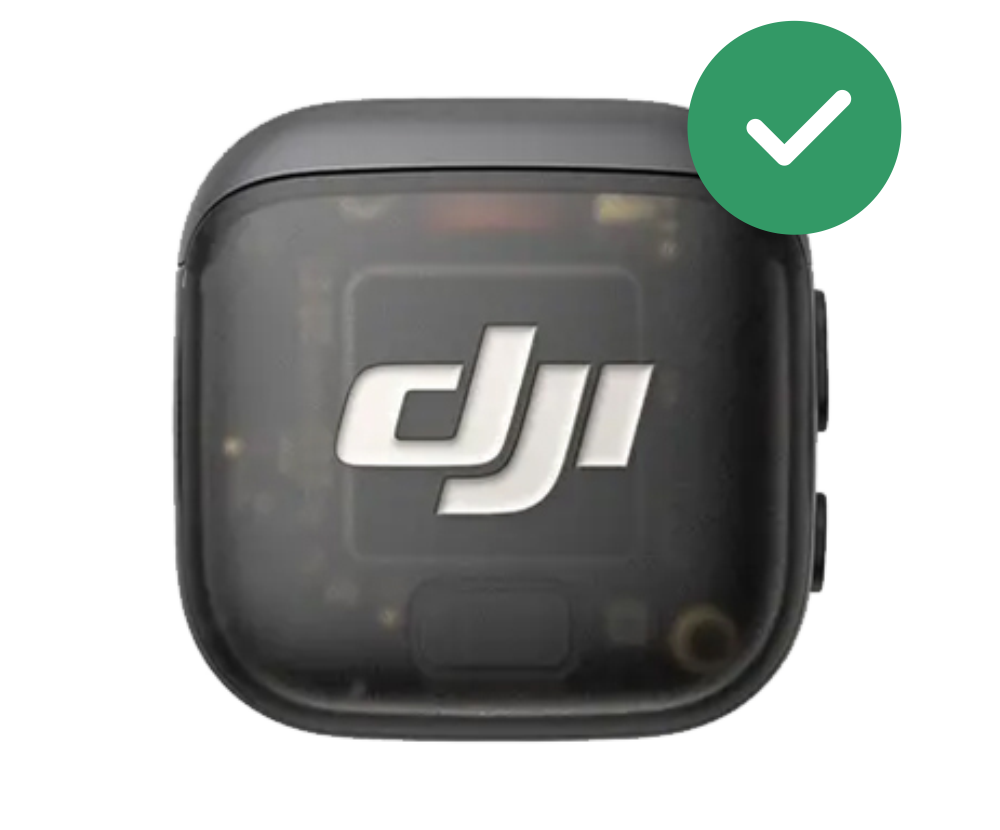
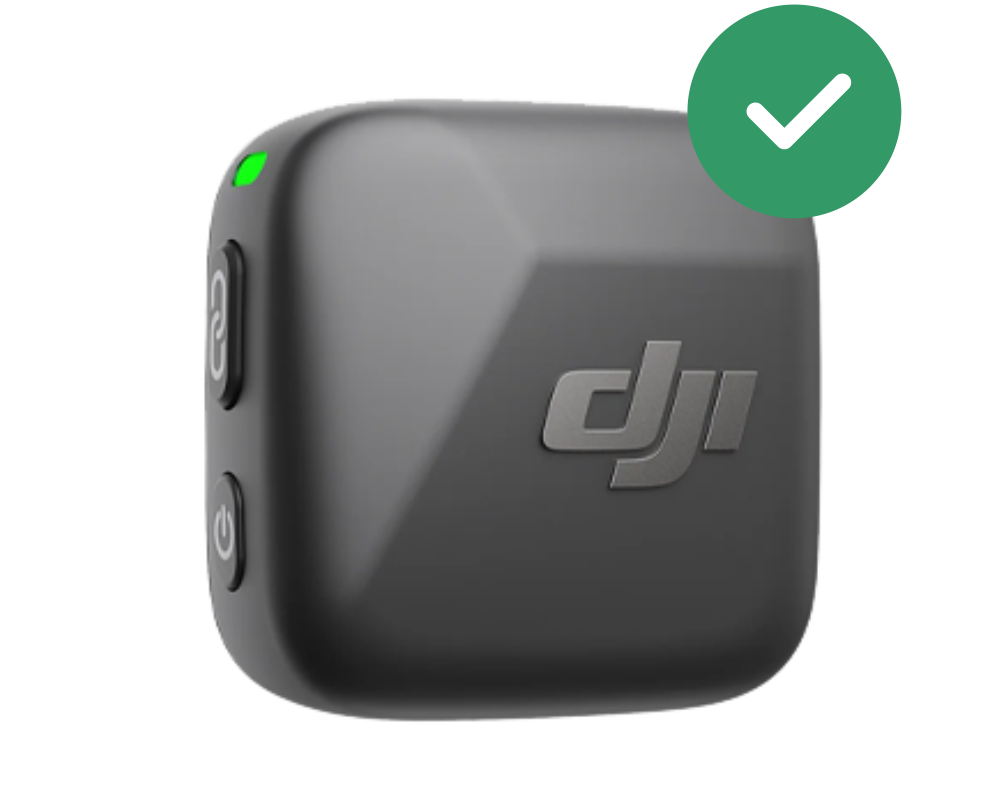
Other options:
1. A headset with a boom mic. The boom mic is absolutely essential.


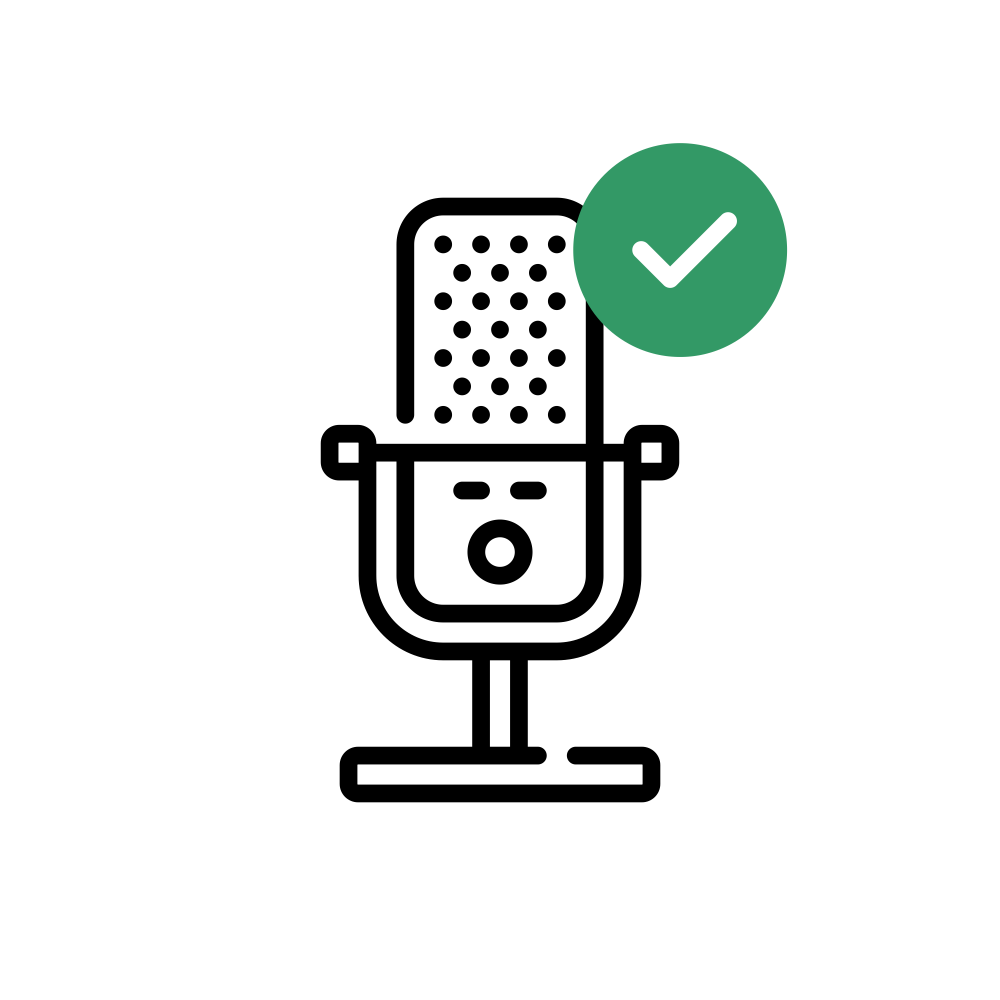
2. A podcasting-style desktop mic, such as a Yeti or Shure SM7dB.

Disallowed Options:
Laptop audio, airpods, and headsets without boom mics are not allowed.


Computer
Our classes require reasonably powerful computers. Windows or Mac computers are fine. Chromebooks are not sufficient for our classes.



The computational power is necessary for many basic parts of class: Zoom background replacement, noise suppression, etc.


Showing Diagrams and Steps
During class, we need to see any diagrams or graphs the student draws. We also need to be able to see all steps of each student’s work.
Best option: either an iPad with an Apple Pencil OR a Samsung tablet with an S-pen. During class, students use the tablet+stylus on our digital whiteboards. Teachers can see all the whiteboards, but students can see only their own whiteboard.

Using the whiteboard allows us to point out specific parts of a student’s work, either to highlight a problem or point out something done well.
Also Allowed:
Option 1: A second device that can take photos of the student’s work, such as a cell phone. With this option, the student works on paper and sends in a photo.
Option 2: Using a program like OBS to allow the student to use the computer camera to take photos of their work.
Not Allowed:
Students are not permitted to turn their camera off on Zoom to take a photo. Students must be on camera at all times, without any interruptions. If you want to use the computer camera, it must be set up to take photos without interrupting the Zoom video. We can help you set this up during the tech consultation.

Deposit
The Tech consultation requires a $100 deposit. It is refunded during the tech consultation. If you miss the consultation, you forfeit the deposit.


Questions? The best way to learn about how The Numeracy works is through a free consultation.
You can also contact us before your consultation here.